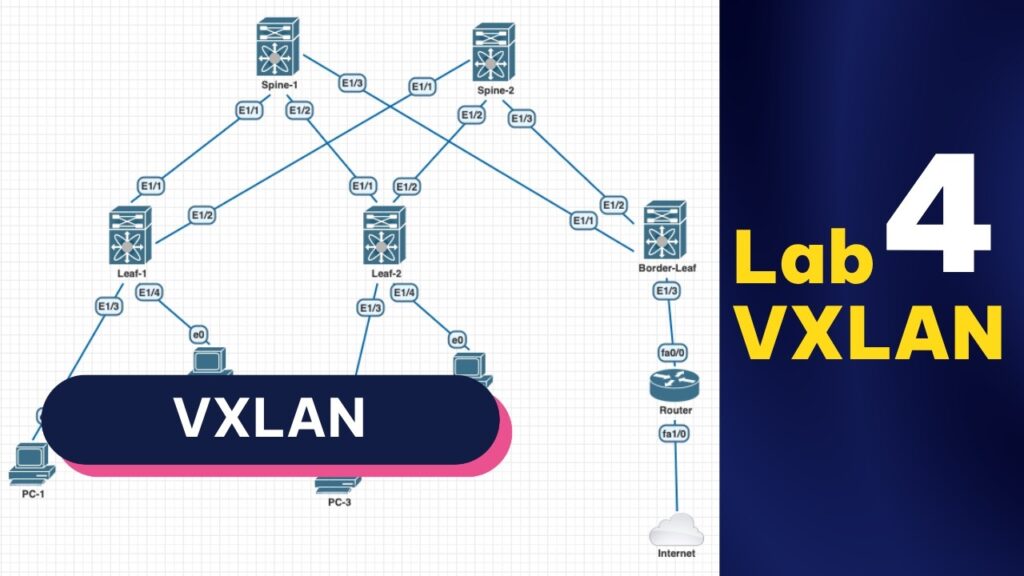
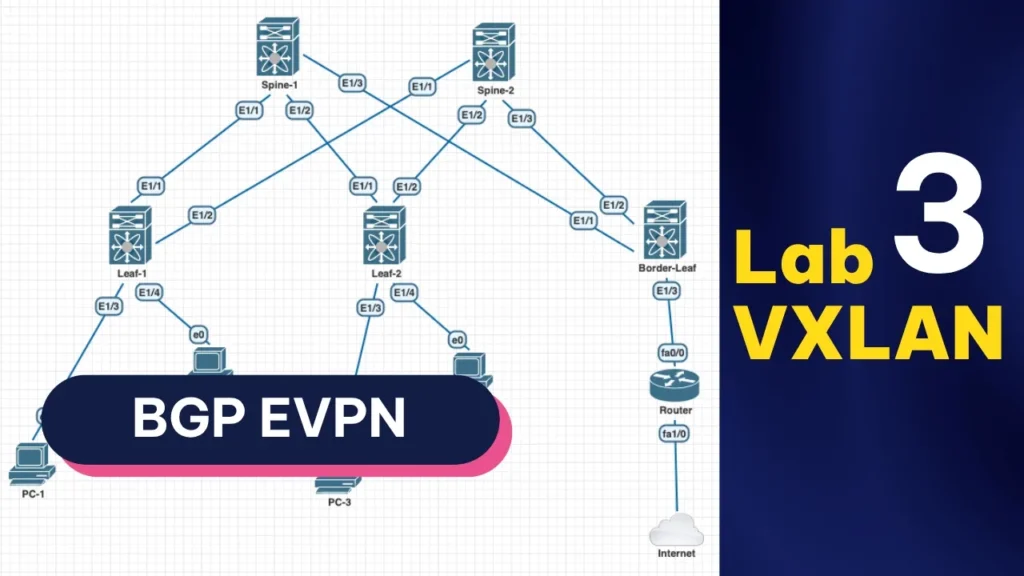
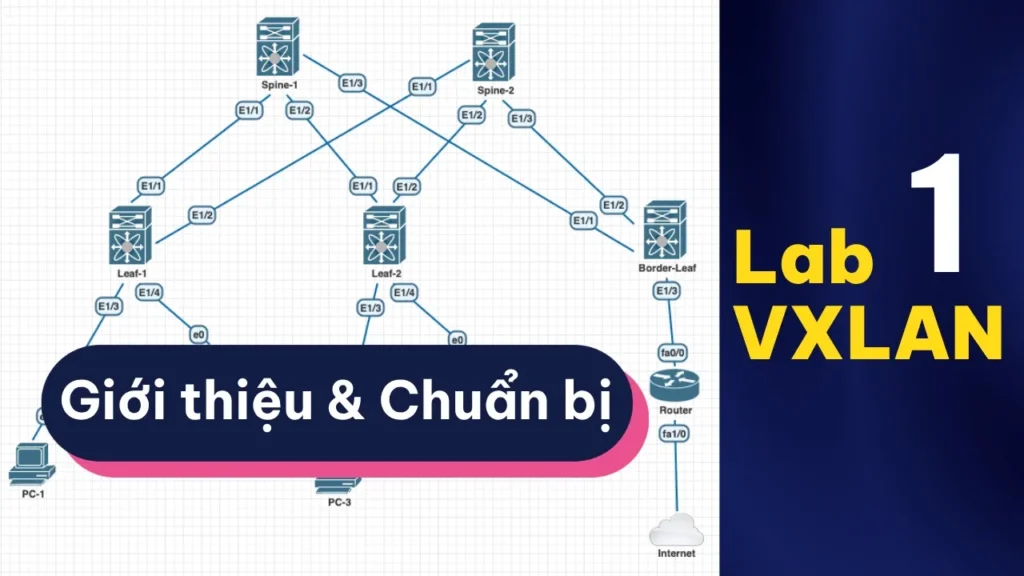
Nếu bạn lười đọc và muốn nghe thay vì đọc, có thể xem video hướng dẫn bên dưới:
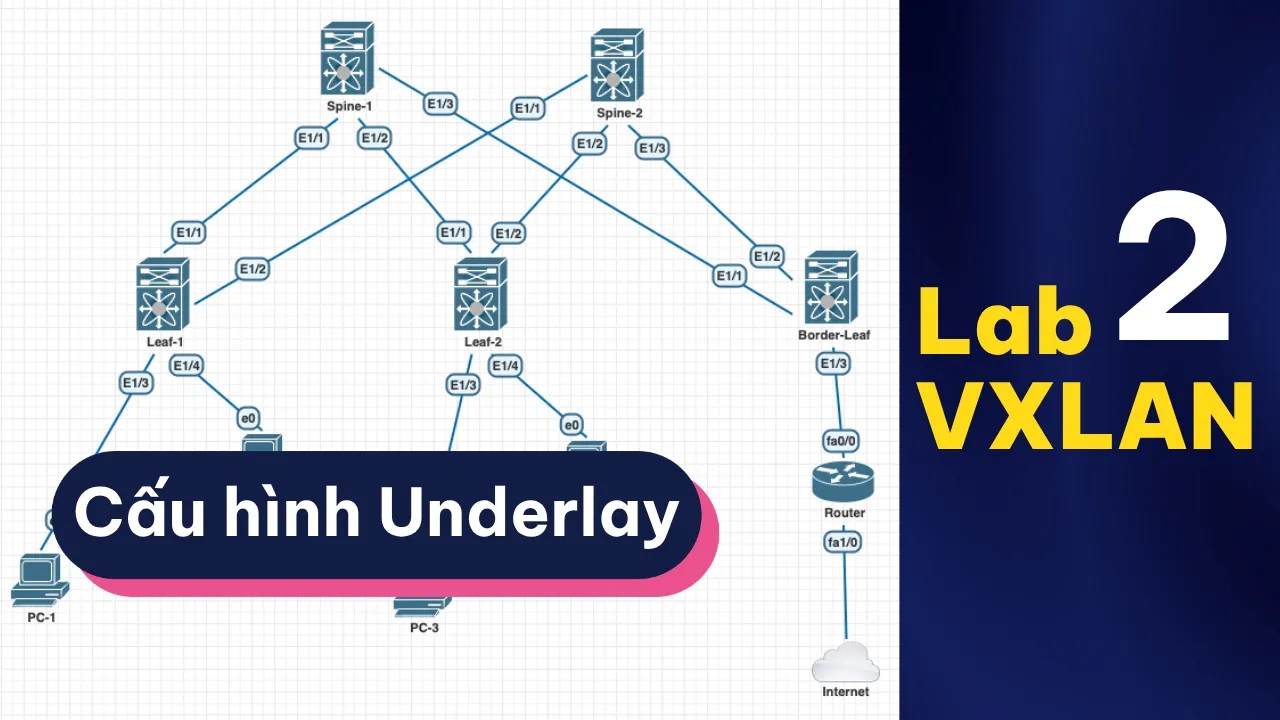
Cấu hình Underlay VXLAN EVPN là bài 2 trong series Lab VXLAN EVPN, thực hiện trên Cisco Nexus (GNS3) — tiếp nối bài 1 trong lộ trình CCNP ENCOR tại KAI NETWORKS. Nếu bạn muốn học bài bản từ đầu, hãy xem toàn bộ series lab VXLAN EVPN trên nền tảng LMS của KAI NETWORKS.
Underlay là lớp hạ tầng, kết nối các thiết bị với nhau, giúp switch Leaf và switch Spine trao đổi dữ liệu được với nhau. Bước này chỉ đơn giản là đặt IP và cấu hình routing cho các lớp mạng giữa Spine & Leaf thông nhau.
Routing cho các lớp mạng của client (phía sau switch Leaf) client sẽ trao đổi dữ liệu với nhau thông qua VXLAN ở overlay, không nằm trong underlay.
💡 Chưa vững nền tảng CCNA hoặc OSPF? Trước khi cấu hình Underlay VXLAN EVPN, bạn nên chắc kiến thức VLAN, routing cơ bản và OSPF — tham khảo khóa học CCNA/CCNP ENCOR tại KAI NETWORKS hoặc xem lịch khai giảng gần nhất.
Các port nối Spine↔Leaf dùng no switchport để chuyển thành routed port (Layer 3) — underlay chạy IP thuần, không cần VLAN. Port xuống client (Ethernet1/3, 1/4 trên Leaf) giữ nguyên L2, gán VLAN bằng switchport access vlan. Riêng Ethernet1/3 trên Border-Leaf để switchport mode trunk — cổng nối xuống Router C7200 (bài 5), sẽ đổi thành routed port ở bài 7 khi chuyển sang Anycast Gateway.
Spine-1
interface Ethernet1/1
  no switchport
  ip address 10.0.1.1/30
  no shutdown

interface Ethernet1/2
  no switchport
  ip address 10.0.1.5/30
  no shutdown

interface Ethernet1/3
  no switchport
  ip address 10.0.1.9/30
  no shutdown

interface loopback0
  ip address 10.1.1.1/32
Spine-2
interface Ethernet1/1
  no switchport
  ip address 10.0.2.1/30
  no shutdown

interface Ethernet1/2
  no switchport
  ip address 10.0.2.5/30
  no shutdown

interface Ethernet1/3
  no switchport
  ip address 10.0.2.9/30
  no shutdown

interface loopback0
  ip address 10.2.2.2/32
Leaf-1
vlan 10
vlan 20

interface Ethernet1/1
  no switchport
  ip address 10.0.1.2/30
  no shutdown

interface Ethernet1/2
  no switchport
  ip address 10.0.2.2/30
  no shutdown

interface Ethernet1/3
  switchport access vlan 10

interface Ethernet1/4
  switchport access vlan 20

interface loopback0
  ip address 10.3.3.3/32
Leaf-2
vlan 10
vlan 20

interface Ethernet1/1
  no switchport
  ip address 10.0.1.6/30
  no shutdown

interface Ethernet1/2
  no switchport
  ip address 10.0.2.6/30
  no shutdown

interface Ethernet1/3
  switchport access vlan 10

interface Ethernet1/4
  switchport access vlan 20

interface loopback0
  ip address 10.4.4.4/32
Border-Leaf
vlan 10
vlan 20

interface Ethernet1/1
  no switchport
  ip address 10.0.1.10/30
  no shutdown

interface Ethernet1/2
  no switchport
  ip address 10.0.2.10/30
  no shutdown

interface Ethernet1/3
  switchport mode trunk

interface loopback0
  ip address 10.5.5.5/32
Cấu hình Underlay VXLAN với OSPF
Mỗi switch khai báo router-id tường minh (không để auto) và bật OSPF trực tiếp trên từng interface, kể cả loopback0 — quan trọng vì loopback0 sẽ được dùng làm router-id thật (BGP), neighbor peering và source cho VXLAN tunnel ở các bài sau, nên bắt buộc phải được quảng bá trong underlay.
Spine-1
feature ospf

router ospf 1
  router-id 10.1.1.1

interface Ethernet1/1
  ip router ospf 1 area 0

interface Ethernet1/2
  ip router ospf 1 area 0

interface Ethernet1/3
  ip router ospf 1 area 0

interface loopback0
  ip router ospf 1 area 0
Spine-2
feature ospf

router ospf 1
  router-id 10.2.2.2

interface Ethernet1/1
  ip router ospf 1 area 0

interface Ethernet1/2
  ip router ospf 1 area 0

interface Ethernet1/3
  ip router ospf 1 area 0

interface loopback0
  ip router ospf 1 area 0
Leaf-1
feature ospf

router ospf 1
  router-id 10.3.3.3

interface Ethernet1/1
  ip router ospf 1 area 0

interface Ethernet1/2
  ip router ospf 1 area 0

interface loopback0
  ip router ospf 1 area 0
Leaf-2
feature ospf

router ospf 1
  router-id 10.4.4.4

interface Ethernet1/1
  ip router ospf 1 area 0

interface Ethernet1/2
  ip router ospf 1 area 0

interface loopback0
  ip router ospf 1 area 0
Border-Leaf
feature ospf

router ospf 1
  router-id 10.5.5.5

interface Ethernet1/1
  ip router ospf 1 area 0

interface Ethernet1/2
  ip router ospf 1 area 0

interface loopback0
  ip router ospf 1 area 0
Kiểm tra
Các switch phải ping trực tiếp được nhau. Kiểm tra OSPF neighbor đã lên FULL chưa:
Terminal
# show ip ospf neighbor
Kiểm tra bảng định tuyến, phải thấy đủ các subnet của underlay, kể cả các IP loopback:
Terminal
# show ip route
Ví dụ show bảng định tuyến trên Spine-1:
Spine-1
Spine-1# show ip route
IP Route Table for VRF "default"
'*' denotes best ucast next-hop
'**' denotes best mcast next-hop
'[x/y]' denotes [preference/metric]
'%<string>' in via output denotes VRF <string>

10.0.1.0/30, ubest/mbest: 1/0, attached
    *via 10.0.1.1, Eth1/1, [0/0], 2d03h, direct
10.0.1.1/32, ubest/mbest: 1/0, attached
    *via 10.0.1.1, Eth1/1, [0/0], 2d03h, local
10.0.1.4/30, ubest/mbest: 1/0, attached
    *via 10.0.1.5, Eth1/2, [0/0], 2d03h, direct
10.0.1.5/32, ubest/mbest: 1/0, attached
    *via 10.0.1.5, Eth1/2, [0/0], 2d03h, local
10.0.1.8/30, ubest/mbest: 1/0, attached
    *via 10.0.1.9, Eth1/3, [0/0], 2d03h, direct
10.0.1.9/32, ubest/mbest: 1/0, attached
    *via 10.0.1.9, Eth1/3, [0/0], 2d03h, local
10.0.2.0/30, ubest/mbest: 1/0
    *via 10.0.1.2, Eth1/1, [110/80], 2d02h, ospf-1, intra
10.0.2.4/30, ubest/mbest: 1/0
    *via 10.0.1.6, Eth1/2, [110/80], 2d02h, ospf-1, intra
10.0.2.8/30, ubest/mbest: 1/0
    *via 10.0.1.10, Eth1/3, [110/80], 00:01:11, ospf-1, intra
10.1.1.1/32, ubest/mbest: 2/0, attached
    *via 10.1.1.1, Lo0, [0/0], 2d02h, local
    *via 10.1.1.1, Lo0, [0/0], 2d02h, direct
10.2.2.2/32, ubest/mbest: 3/0
    *via 10.0.1.2, Eth1/1, [110/81], 2d02h, ospf-1, intra
    *via 10.0.1.6, Eth1/2, [110/81], 2d02h, ospf-1, intra
    *via 10.0.1.10, Eth1/3, [110/81], 00:01:07, ospf-1, intra
10.3.3.3/32, ubest/mbest: 1/0
    *via 10.0.1.2, Eth1/1, [110/41], 2d02h, ospf-1, intra
10.4.4.4/32, ubest/mbest: 1/0
    *via 10.0.1.6, Eth1/2, [110/41], 2d02h, ospf-1, intra
10.5.5.5/32, ubest/mbest: 1/0
    *via 10.0.1.10, Eth1/3, [110/41], 00:01:09, ospf-1, intra
Học CCNA & CCNP ENCOR bài bản cùng KAI NETWORKS
Series Lab VXLAN EVPN này là một phần trong lộ trình đào tạo thực chiến của KAI NETWORKS, giúp bạn nắm vững cấu hình Underlay, Overlay và VXLAN EVPN trên Cisco Nexus từ cơ bản đến nâng cao.
Khám phá toàn bộ khóa học CCNA & CCNP ENCOR: kainetworks.vn